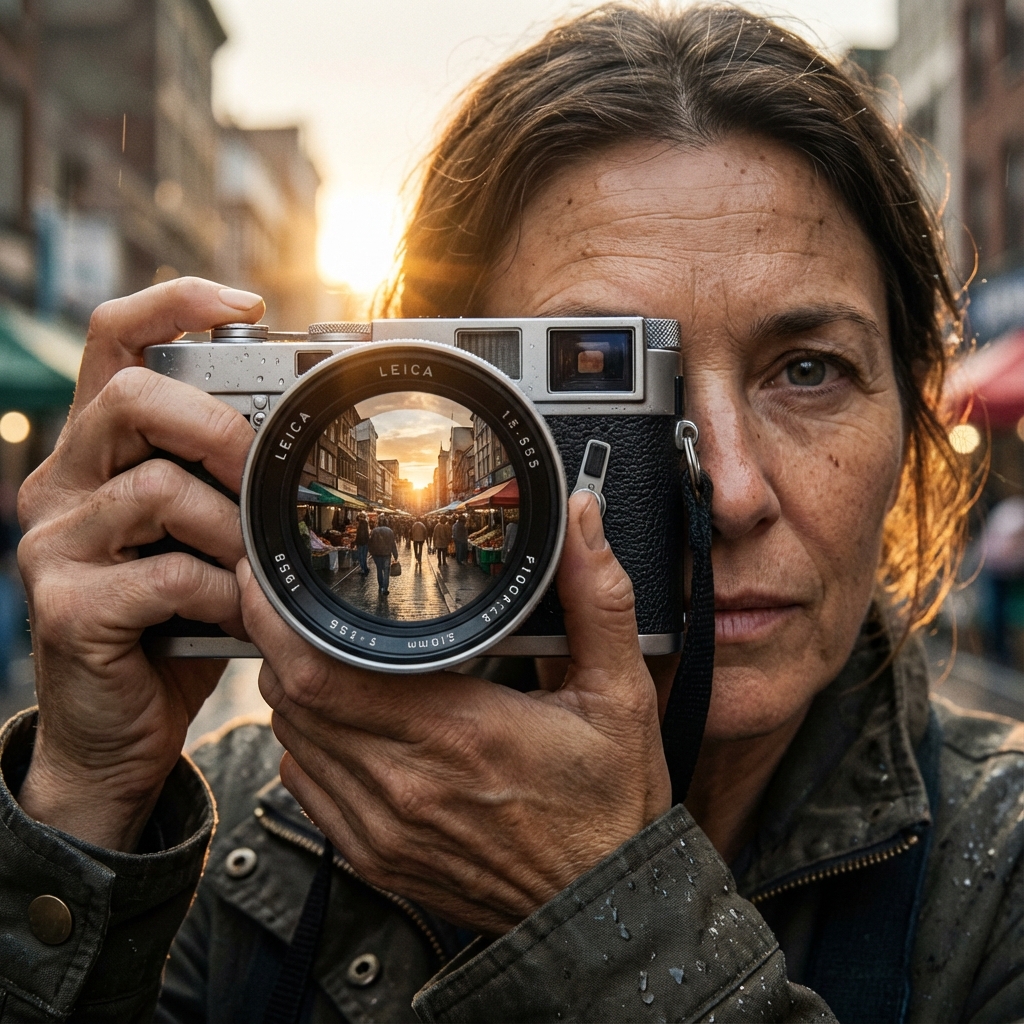
The holy grail for many AI artist is photorealism—images that are indistinguishable from photographs taken with a high-end camera. While the AI models are capable, they need the right instructions to break free from the "plastic" AI look.
Speak the Language of Photography
To get a photo, you must hold the camera (metaphorically). Your prompts should include technical photography terms. Instead of just saying "a portrait," try "portrait shot on Sony A7R IV, 85mm lens, f/1.8 aperture." Mentioning specific camera models, film stocks (like "Kodak Portra 400"), and lens characteristics signals to the AI that you want a realistic output, complete with depth of field and grain.
Lighting is Everything
Bad lighting makes even real photos look fake. Good lighting adds depth and realism. Use terms like "natural lighting," "soft box," "rembrandt lighting," "volumetric fog," or "cinematic lighting." Avoid flat lighting unless intentional. For outdoor shots, "golden hour" or "overcast day" provides realistic color temperatures.
The Power of Imperfection
CGI often looks fake because it's too perfect. Real skin has pores, blemishes, and texture. Real clothes have folds and lint. Add keywords like "highly detailed skin texture," "raw photo," "film grain," and "imperfect" to your prompts. You can even prompt for "slight motion blur" to add dynamism.
Negative Prompting for Realism
What you exclude is as important as what you include. Your negative prompt should be a shield
against the "AI look." Include terms like:
cartoon, illustration, 3d render, painting, drawing, plastic, doll-like, oversaturated, blur, low quality, bad anatomy.
This forces the model away from artistic interpretations and towards reality.
Details Matter
Finally, high resolution helps. Generating at higher resolutions (or upscaling later) allows the model to fill in fine details like eyelashes, fabric weave, and reflections that make an image convincing. With Magnuto, try generating at the highest resolution your aspect ratio allows.
Photorealism is a balancing act of technical prompting and creative direction. Use these tips to bridge the gap between simulation and reality.