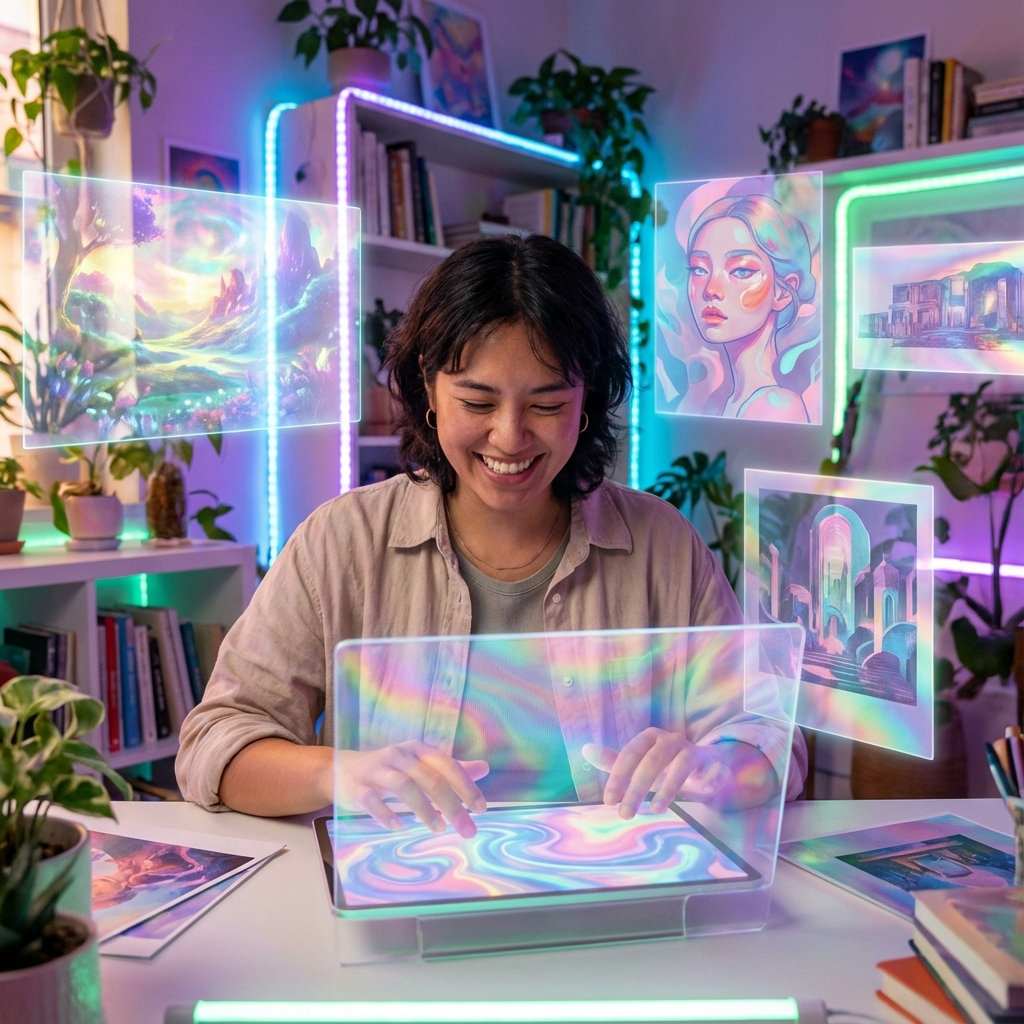
The secret to unlocking the full potential of an AI image generator lies in the art of the prompt. A well-crafted prompt can be the difference between a generic image and a masterpiece. Here are five expert tips to help you level up your skills.
1. Be Specific and Detailed
Think like a film director setting a scene. Instead of "a car," try "a vintage red convertible from the 1960s driving on a winding coastal road at sunset, with dramatic clouds in the sky."
- ●Subject: What is the main focus?
- ●Setting: Where is it located?
- ●Lighting: Time of day, mood lighting.
- ●Style: Photorealistic, oil painting, sketch.
2. Use Artistic Style Keywords
Guide the AI with specific art styles. Phrases like "in the style of Van Gogh," "cyberpunk aesthetic," or "studio photography, 8k resolution" can drastically change the outcome.
3. Leverage Negative Prompts
Negative prompts tell the AI what not to include. Use terms like "blurry," "distorted," "low quality," or "bad anatomy" to clean up your results and ensure a polished look.
4. Experiment with Aspect Ratios
Don't stick to the default square. Use different aspect ratios to suit your needs: 16:9 for cinematic landscapes, 9:16 for mobile wallpapers, or 3:2 for classic photography sizing.
5. Iterate and Refine
Your first prompt is just a starting point. Analyze the result, tweak your words, adjust the weights ensuring key terms are emphasized, and generate again. The best AI artists are iterators.