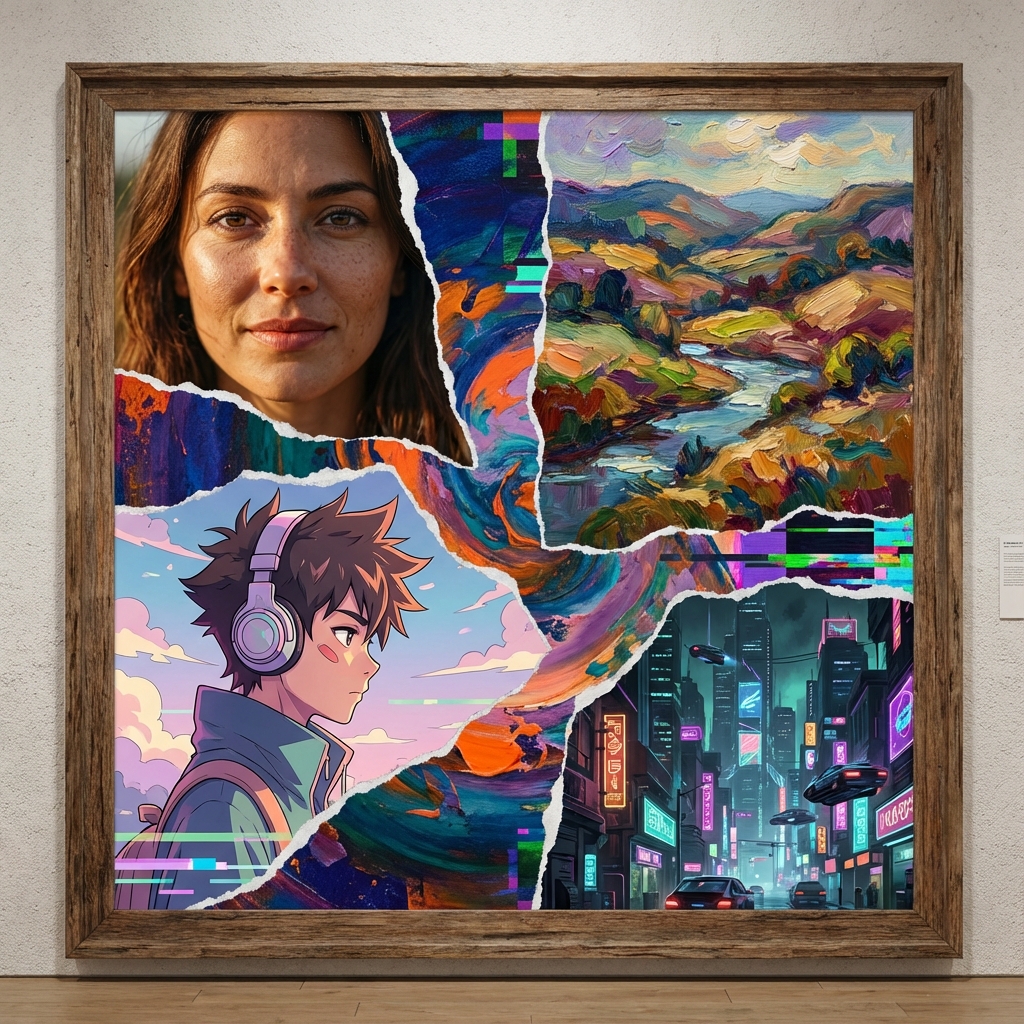
One of the most magical aspects of generative AI is its chameleon-like ability to mimic any artistic movement in human history. With a few keystrokes, you can transform a "cat sitting on a chair" from a Renaissance oil painting to a futuristic cyberpunk render.
However, getting the exact look you want requires vocabulary. Simply typing "cool style" won't cut it. You need to speak the language of art history, photography, and digital design.
In this ultimate guide, we have compiled a visual dictionary of the most impactful AI art styles for 2025, complete with the specific "trigger words" (modifiers) you need to add to your prompts to achieve them on platforms like Magnuto.
I. Photorealism & Photography
The holy grail for many users. Creating images that are indistinguishable from real photos requires specific camera terminology.
1. Cinematic 4K
This style mimics high-end movie productions. It emphasizes dramatic lighting, depth of field, and high dynamic range.
Keywords:
cinematic lighting, teal and orange, depth of field, 8k, anamorphic lens, bokeh, shot on ARRI
Best for: Storytelling, concept art, headers.
2. Studio Portrait
Clean, perfectly lit images you would see in a fashion magazine. Focuses on skin texture and professional lighting setups.
Keywords:
studio lighting, rim light, soft focus, 85mm lens, sharp focus, highly detailed eyes, professional photography
Best for: Avatars, fashion modeling, product shots.
3. Macro Photography
Extreme close-ups of small objects (insects, eyes, water droplets). The background is usually completely blurred.
Keywords:
macro lens, extreme close-up, intricate details, f/2.8, blur background, texture
II. Digital Art & Illustration
Where reality ends, imagination begins. These styles define the modern internet aesthetic.
4. Cyberpunk / Synthwave
A staple of AI art. Dystopian futures, rain-slicked streets, and neon pinks and blues.
Keywords:
neon lights, futuristic city, cyberpunk 2077, blade runner style, volumetric fog, glitch effect, chromatic aberration
5. 3D Isometric
Cute, diorama-like clean renders often used for tech websites or game assets. Objects look like miniatures.
Keywords:
isometric view, 3d render, blender 3d, clean background, low poly, c4d, octane render
6. Vector Art / Flat Design
Scalable, clean, simple geometry using solid colors. Essential for logos and app icons.
Keywords:
vector art, flat design, minimal, simple shapes, adobe illustrator, white background, no gradients
III. Traditional Media
Teaching the AI to hold a paintbrush.
7. Oil Painting (Impasto)
Thick, visible brushstrokes giving the image texture and depth.
Keywords:
oil painting, thick impasto, palette knife, brushstrokes, textured canvas, classical art
8. Watercolor
Soft, bleeding colors with a dreamy, ethereal quality.
Keywords:
watercolor painting, wet on wet, ink splatter, soft edges, pastel colors, paper texture
9. Ukiyo-e (Japanese Woodblock)
The style of "The Great Wave". Flat perspectives and distinct outlines.
Keywords:
ukiyo-e, woodblock print, hokusai style, japanese art, flat colors, outlines
IV. Anime & Manga
10. Studio Ghibli Style
Whimsical, detailed backgrounds, and nostalgic feelings. Perfect for nature scenes.
Keywords:
studio ghibli style, hayao miyazaki, lush green fields, cumulus clouds, hand drawn aesthetics
11. 90s Retro Anime
Low fidelity, VHS aesthetic with muted colors.
Keywords:
90s anime style, sailor moon aesthetic, vhs glitch, retro, lo-fi, cel shaded
Pro Tip: Combining Styles
The real magic happens when you mix conflicting styles. Try these combinations for unique results:
- "Cyberpunk" + "Oil Painting": Creates a futuristic city with classical textures.
- "Isometric" + "Watercolor": Creates a soft, architectural diorama.
- "Portrait" + "Low Poly": Creates an abstract, geometric face.
Conclusion
Your prompt vocabulary is your paintbrush. The more styles you know, the more versatile you become as an AI artist. Bookmark this guide and use it as a checklist for your next creative session.